DOS
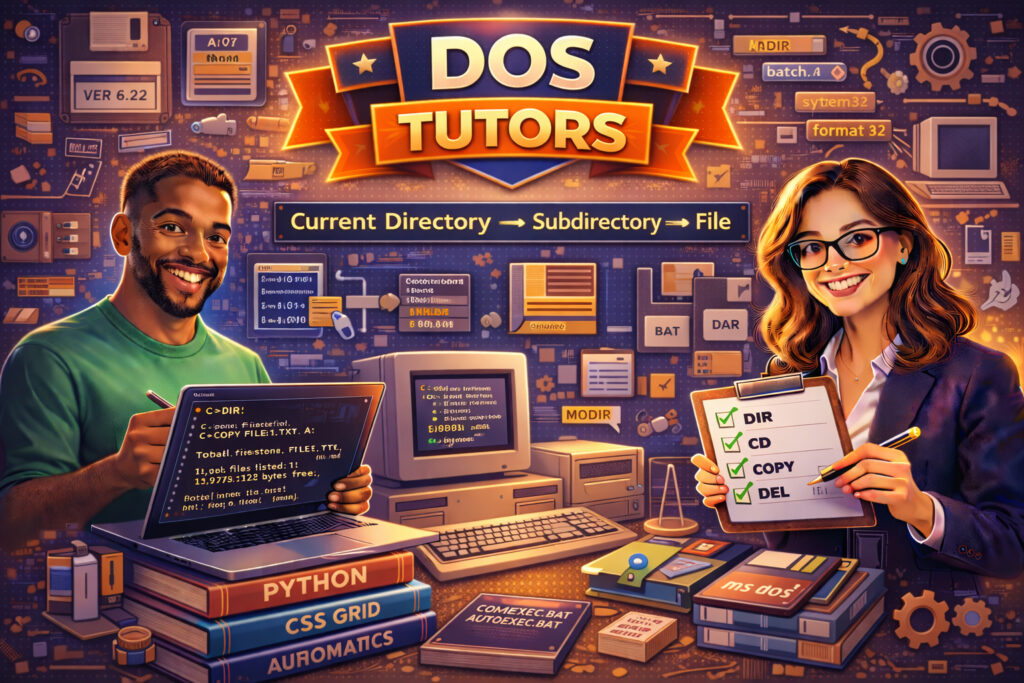
DOS (Disk Operating System) is a command-line operating system that played a foundational role in the development of personal computing. While modern systems use graphical interfaces, understanding DOS remains valuable for learning command-line operations, system architecture basics, legacy systems maintenance, and troubleshooting environments.
As a sub-category under Computer and Technology, DOS tutoring supports students studying operating systems fundamentals, IT professionals working with legacy systems, and learners who want to strengthen their command-line skills.
Whether you’re exploring computer history, preparing for IT coursework, or working in environments where command-line knowledge is essential, working with an experienced DOS tutor can help you understand system-level operations more deeply.
If you’ve searched for “DOS tutor near me,” “learn DOS commands,” or “command line basics help,” personalized instruction can provide structured guidance and hands-on practice.
Why Hire a DOS Tutor?
1. Master Command-Line Operations
Learn essential commands such as dir, cd, copy, del, mkdir, and format, along with file path navigation and directory management.
2. Understand File Systems
Gain clarity on FAT file systems, file attributes, directory structures, and disk management fundamentals.
3. Learn Batch Scripting
Tutors can guide you through writing .bat scripts to automate tasks and understand procedural command execution.
4. Strengthen Operating System Foundations
DOS helps learners understand how operating systems manage processes, memory, and input/output at a basic level.
5. Support for Legacy & Embedded Systems
Some environments still rely on DOS-based tools or legacy interfaces. Tutoring can help professionals maintain and troubleshoot these systems.
Core Concept: Directory Navigation
At the heart of DOS is file system navigation, conceptually represented as:
Understanding how to move through directories efficiently is essential for mastering command-line environments.
Topics May Include:
-
Basic DOS Commands
-
File & Directory Management
-
Batch Files
-
Environment Variables
-
Disk Utilities
-
Boot Processes
-
Legacy System Support
-
Command-Line Troubleshooting
Who Can Benefit?
-
IT students learning operating systems
-
Computer science beginners
-
System administrators
-
Professionals maintaining legacy systems
-
Learners building foundational command-line skills
With personalized DOS tutoring, you’ll gain a stronger understanding of system-level computing and command-line operations that apply even in modern Linux and Windows environments.
Browse our DOS tutors today and strengthen your foundational computing knowledge.
FAQ
What does a DOS tutor help with?
A DOS tutor helps students and professionals learn how to use the Disk Operating System command-line environment. Tutors teach essential commands, directory navigation, file management, and basic scripting techniques used in DOS systems.
What is DOS used for today?
While modern operating systems use graphical interfaces, DOS is still useful for learning command-line fundamentals, maintaining legacy systems, troubleshooting environments, and understanding how operating systems manage files and processes.
What are common DOS commands?
Common DOS commands include dir for listing files, cd for changing directories, copy for copying files, del for deleting files, and mkdir for creating directories. These commands allow users to navigate and manage files from the command line.
What is a batch file in DOS?
A batch file is a script containing a series of DOS commands that execute automatically in sequence. Batch files are commonly used to automate repetitive tasks and simplify command-line workflows.
Why is learning DOS still valuable?
Learning DOS helps users understand how command-line systems work, which builds foundational skills for modern operating systems such as Linux, Unix, and Windows PowerShell.
Is online DOS tutoring effective?
Online DOS tutoring can be effective because tutors can demonstrate commands, troubleshoot errors, and guide students through command-line tasks in real time using screen sharing.
Who should learn DOS?
DOS is valuable for IT students, system administrators, computer science beginners, and professionals who work with legacy systems or want to strengthen their command-line computing skills.