Microsoft Publisher
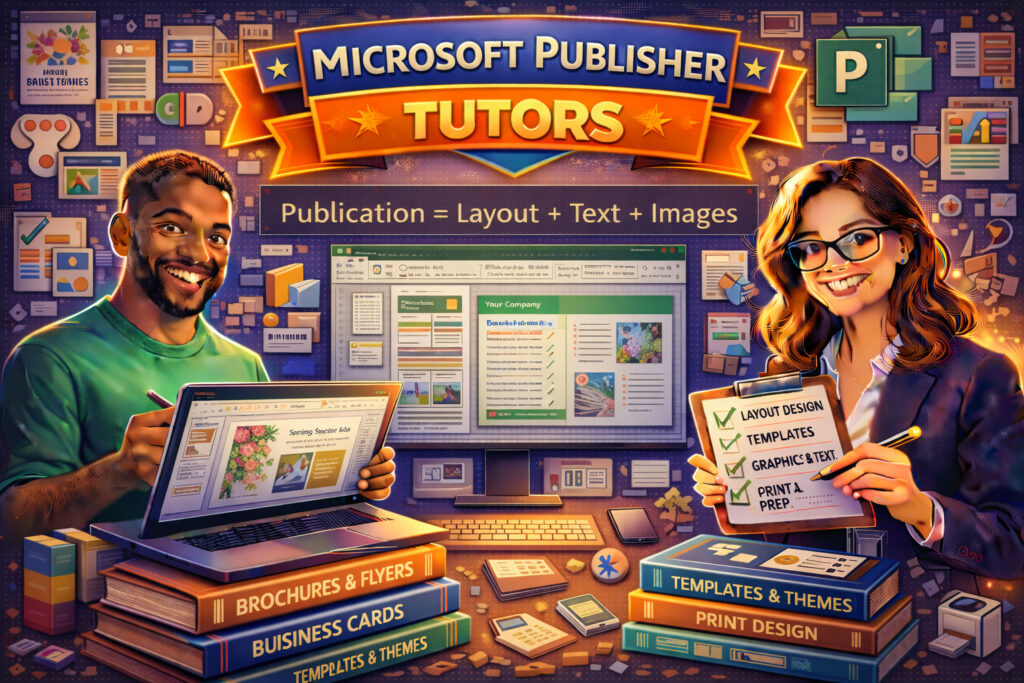
Microsoft Publisher is a desktop publishing application designed to help users create professional-quality print and digital materials. From brochures and flyers to newsletters, business cards, and marketing materials, Publisher makes it easy to design visually appealing documents without advanced graphic design experience.
As a sub-category under Computer and Technology, Microsoft Publisher tutoring supports students, small business owners, administrative professionals, and marketers who want to create polished publications efficiently.
Whether you’re designing promotional materials, school projects, church bulletins, or small business branding assets, working with an experienced Microsoft Publisher tutor can help you create clean, professional layouts with confidence.
If you’ve searched for “Microsoft Publisher tutor near me,” “learn Publisher online,” or “brochure design help,” personalized instruction can guide you step-by-step.
Why Hire a Microsoft Publisher Tutor?
1. Master Layout & Design Basics
Learn how to organize text boxes, images, and shapes using alignment tools and layout grids.
2. Use Templates Effectively
Publisher offers built-in templates for brochures, postcards, flyers, and newsletters. Tutors can help you customize templates to match your brand or project.
3. Work with Graphics & Typography
Understand how to choose fonts, adjust spacing, insert images, and create visually balanced designs.
4. Prepare Files for Print & Digital Use
Learn about page setup, margins, bleed areas, PDF export settings, and print optimization.
5. Improve Marketing Materials
Small business owners and entrepreneurs can learn how to create consistent branding across promotional materials.
Core Concept: Publication Structure
Effective publications follow a structured layout:
Understanding how these elements work together ensures professional-looking results.
Topics May Include:
-
Page Setup & Margins
-
Text Boxes & Image Placement
-
Templates & Themes
-
Brochure & Flyer Design
-
Business Card Creation
-
Print Settings & Exporting
-
Branding Basics
-
Design Best Practices
Who Can Benefit?
-
Small business owners
-
Marketing professionals
-
Administrative staff
-
Students completing projects
-
Nonprofits and community organizations
With personalized Microsoft Publisher tutoring, you’ll gain the confidence to design attractive, organized, and professional publications for print or digital distribution.
Browse our Microsoft Publisher tutors today and elevate your desktop publishing skills.
FAQ
What does a Microsoft Publisher tutor help with?
A Microsoft Publisher tutor helps students and professionals learn how to design professional-looking publications such as brochures, flyers, newsletters, and business cards. Tutors guide learners through layout design, image placement, typography, and print preparation.
What is Microsoft Publisher used for?
Microsoft Publisher is used to create marketing materials, newsletters, brochures, flyers, invitations, and other printed or digital publications. It provides simple layout tools that make desktop publishing accessible to beginners.
How is Microsoft Publisher different from Microsoft Word?
While Microsoft Word focuses on text-based documents, Microsoft Publisher is designed for layout and design. Publisher offers better control over text boxes, image placement, and page structure for creating professional-looking publications.
Can I create brochures and flyers with Microsoft Publisher?
Yes. Microsoft Publisher includes built-in templates for brochures, flyers, postcards, newsletters, and other marketing materials. Users can customize these templates with their own text, images, and branding.
How can I prepare Publisher files for printing?
To prepare files for printing, users can adjust page size, margins, and bleed settings, then export the design as a high-quality PDF or print-ready file. Tutors can help ensure layouts are optimized for professional printing.
Is online Microsoft Publisher tutoring effective?
Online Publisher tutoring can be very effective because tutors can demonstrate layout techniques, review designs, and guide students through creating marketing materials using screen sharing.
Who should learn Microsoft Publisher?
Microsoft Publisher is useful for small business owners, marketing professionals, administrative staff, students, and nonprofit organizations that need to create attractive print or digital publications without advanced design software.